Jules
Jules
School Game Lab.
KEY FEATURES :
Gauntlet Mechanic
environmental progression
Light Interactables
Base Interaction
Project info

3 (13) School Game Lab.

January 10th - July 10th, 2024, six months
Unreal

Windows
Project Overview
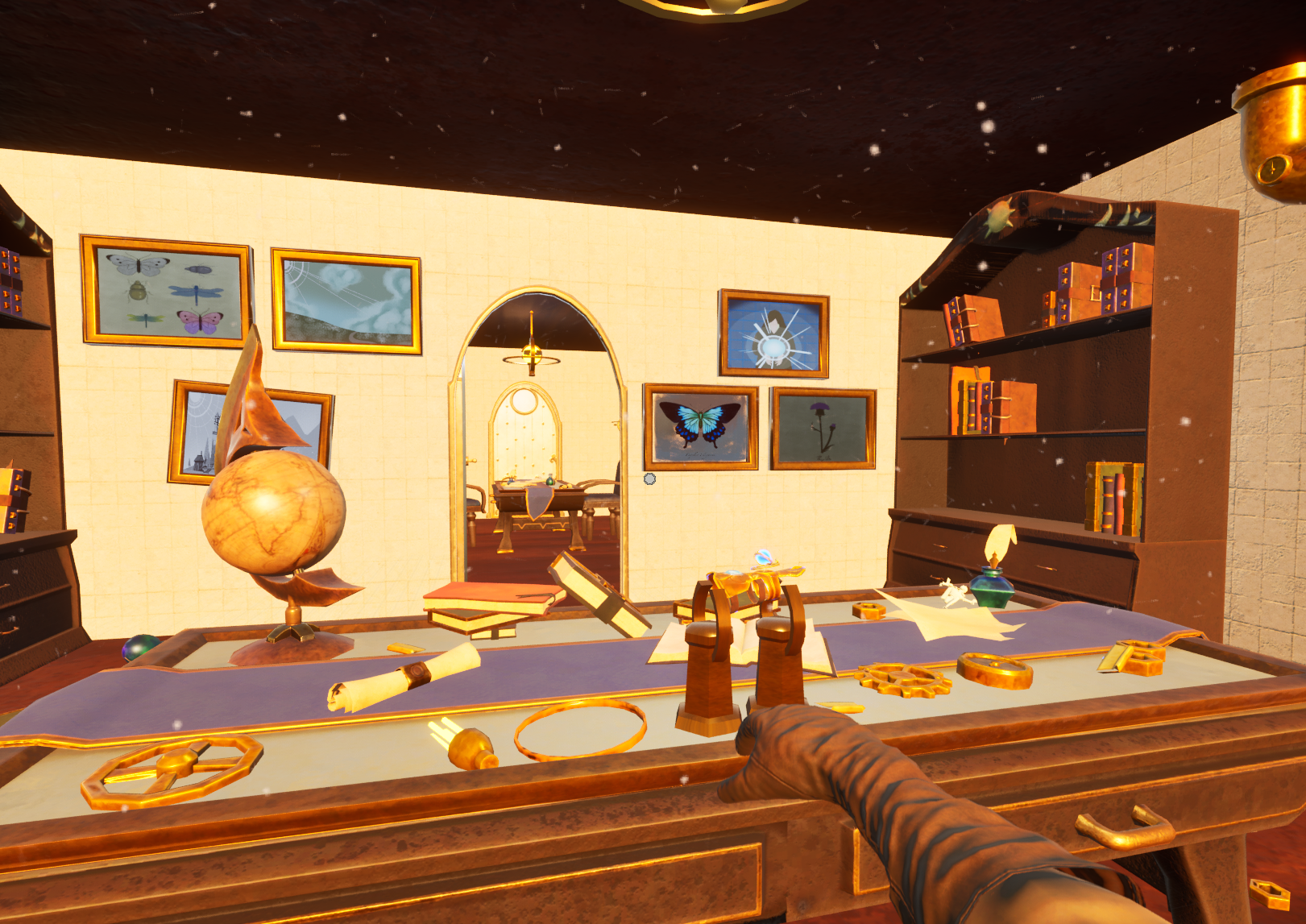
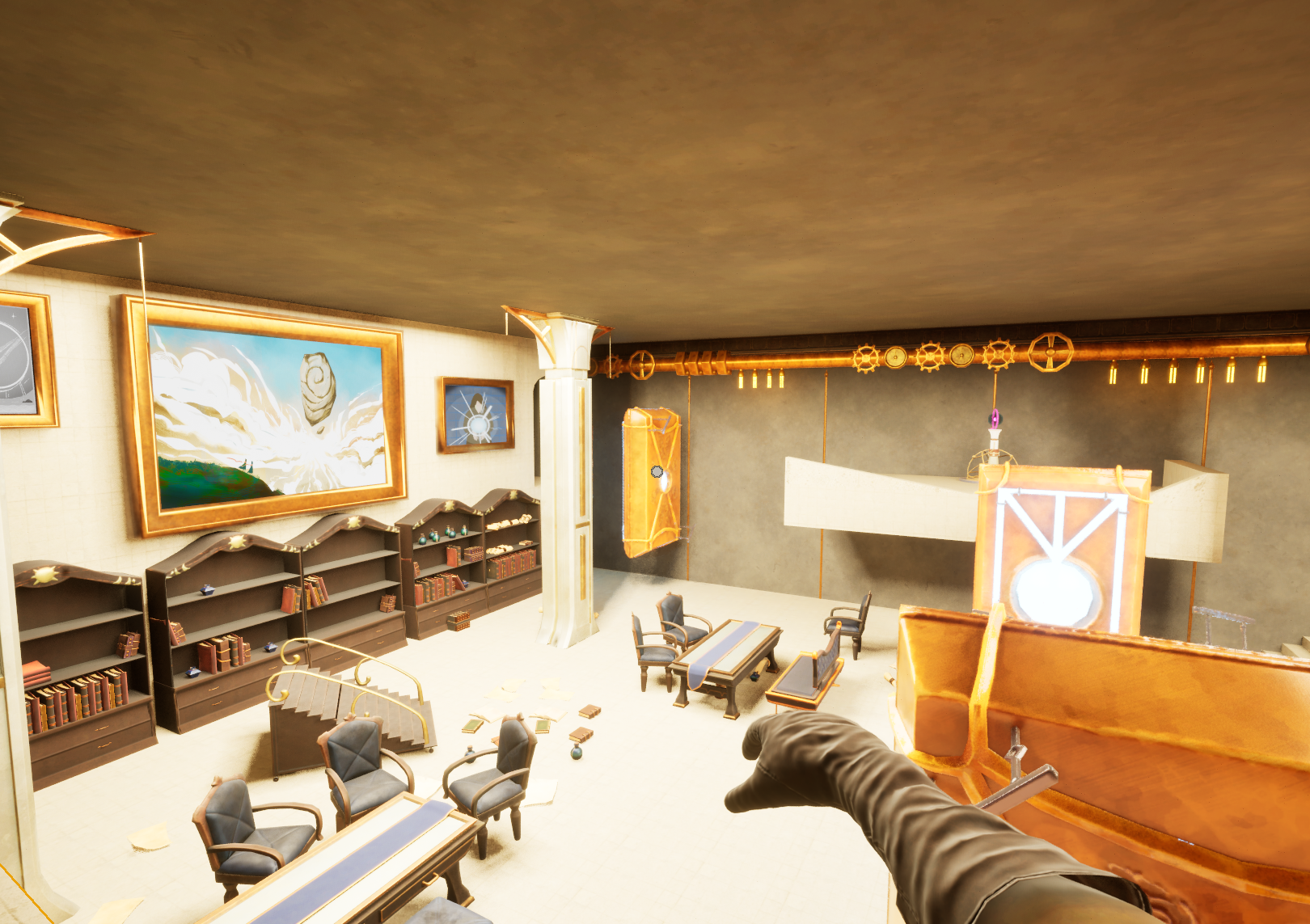
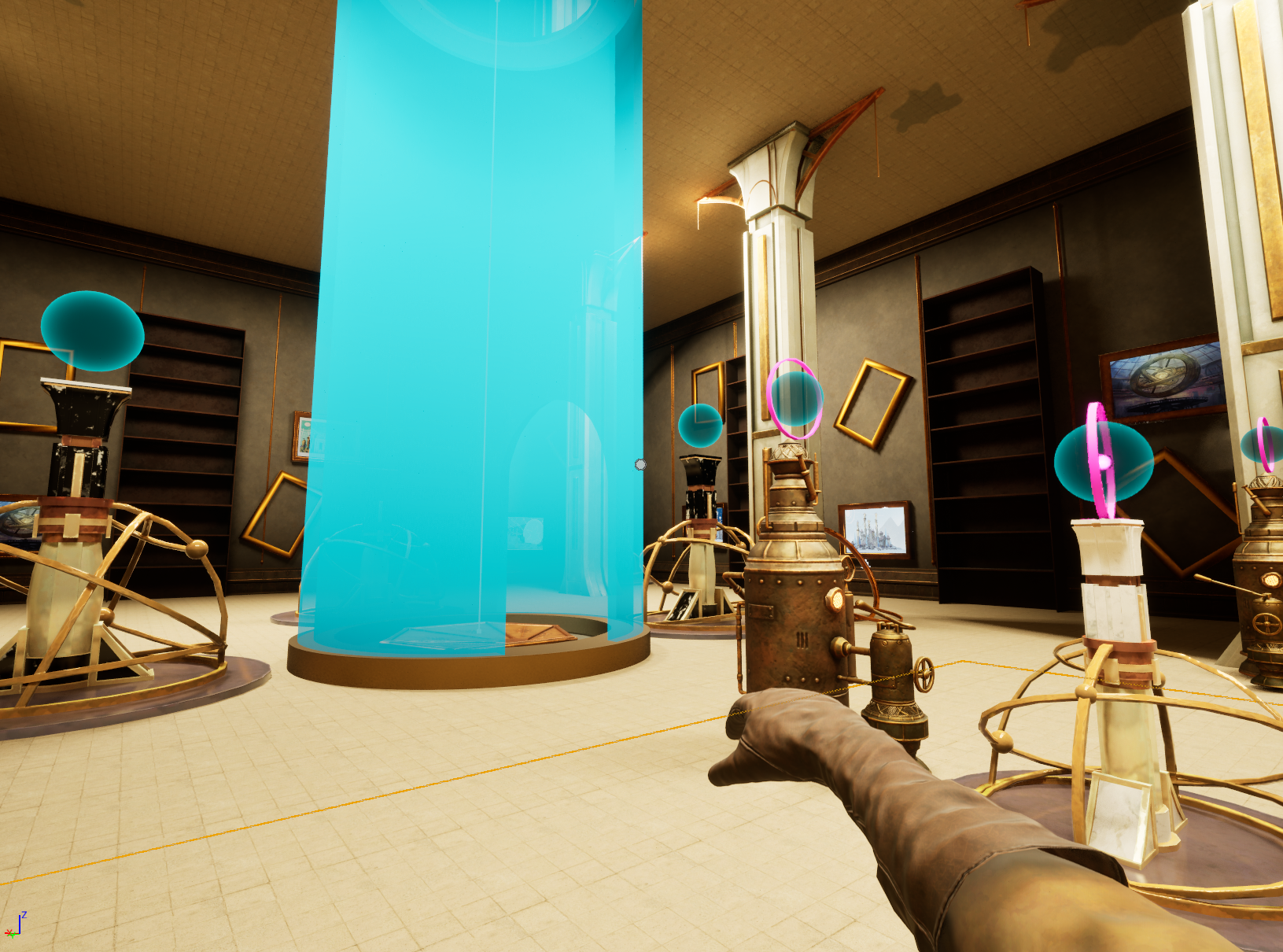
"Jules" is a Puzzle-Adventure game where players must reactivate the functions of machines in a gigantic library divided into 4 sectors. Each sector will feature a number "x" of rooms, in each of which players will face an environmental puzzle using the protagonist's unique ability to transfer energy from one machine or object to another, thereby activating and deactivating their functions accordingly.
Game Goal
The main goal of the game is to complete every single puzzle in order to unlock parts of the map that help the player to understand the narrative of the game.
Key Features
Features
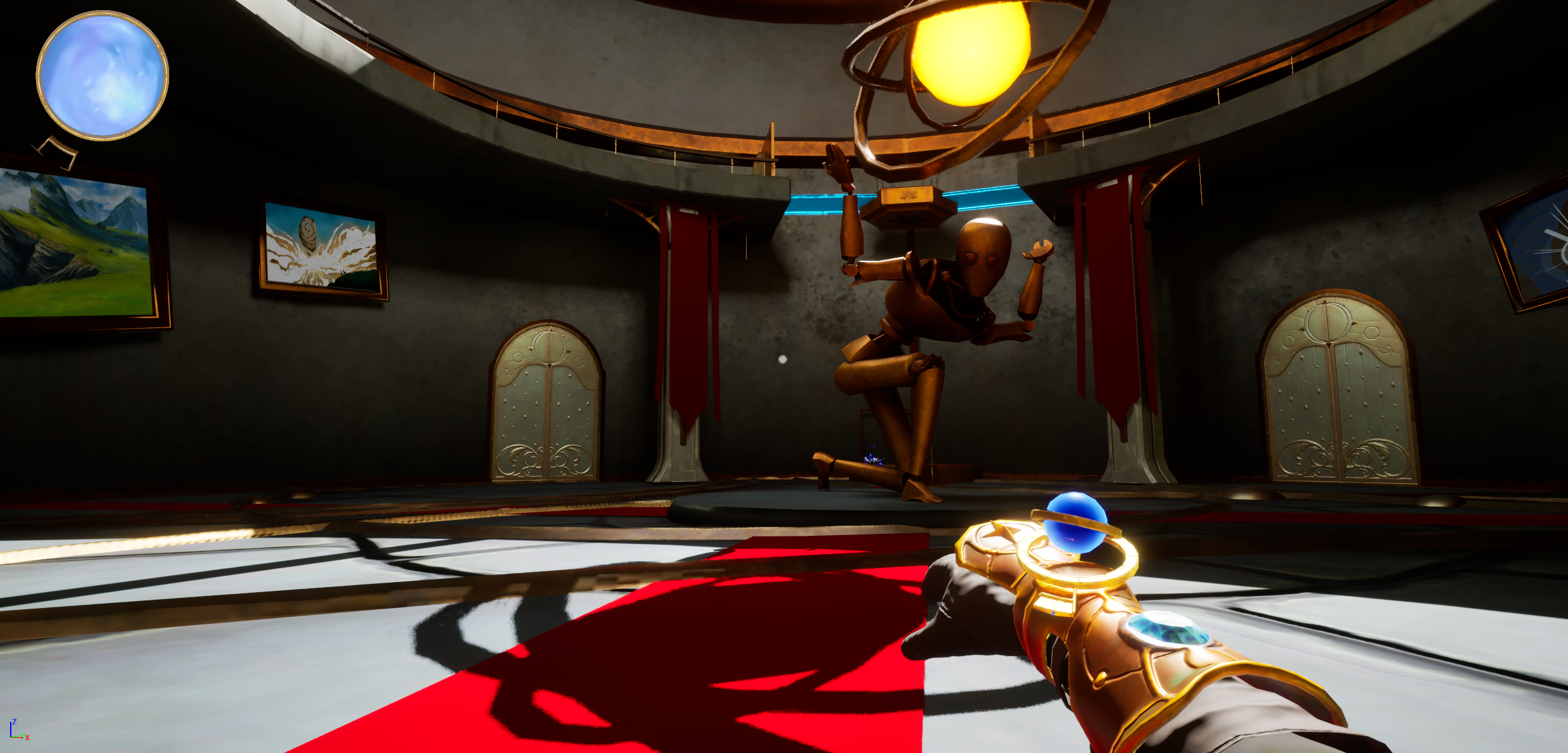
- Gauntlet Mechanic: A key feature of Jules is the use of a specialized glove for interacting with objects.Many objects in the game are designed to respond to the light. When players shine light on these objects, they collect and store the light energy. Each object has a specific light threshold it needs to reach. Once the required number of light interactions is achieved, the object activates and begins to perform its intended behavior or function.
- environmental progression : The continuous progression of the environment each time you complete a puzzle.
- Light Interactables : Different objects that are activated only through the reception of lights. Players can interact with objects by activating and deactivating their functions.
- Base Interaction: Inside the game there are sheets of paper where the player will discover parts of the narrative by interacting with them.
Personal contribution
The House Scatter Tool combines real-time visualization, snapping mechanics, and optimized object placement to improve level design workflows. Its UI-based prefab selection and intuitive controls ensure a seamless experience. Below are the key mechanics that define how the tool functions.
Additional information:
- Player Input and Movement:
- Gauntlet Mechanic:Created the glove mechanic, which is a central feature of the game. Design: Developing the glove as an interactive tool for manipulating light and objects within the game. Animations: Implementing animations for the glove, including its activation, light emission, and interaction with objects. Ensured that the animations were smooth and visually coherent with the game’s aesthetic.
- Light Interactables:Developed the light mechanic, including the creation and management of light. Light Creation: Implemented the functionality for the glove to take and give light onto various objects. Animations: Designed and integrated animations for light interactions, ensuring that light transitions and effects were visually appealing and integrated seamlessly into the gameplay. Added ring animations that allow the player to understand how many lights the object needs to function
- Object Behaviors with Light Interaction: Worked on defining and programming the different behaviors of interactive objects that respond to light. These include: Altar: Implemented an altar that serves as a repository for collected lights. This object accumulates light and plays a role in gameplay progression by storing and managing light resources. Light Door: Created a door that opens and closes based on the number of light interactions. The door’s movement is triggered when the required light threshold is met. Generator: Created a generator that activates additional light-interactive objects once it receives the correct amount of light. Moving Platform: Designed a platform that moves along a spline path once it receives the correct amount of light. Rotating Platform: Created a rotating platform that can rotate around any axis once it receives the correct amount of light. Sequence Altar: altars that must be activated with a specific sequence to activate their behavior
- Base Interactive System:Created a system of basic interactive objects that help players better understand the narrative.
- Gauntlet Power-Ups: Power-Up Design: Created various power-ups that provide temporary enhancements or new abilities for the gauntlet, such as the number of storing lights.
- Player Health:Managed the health system for the player, including: Health States: Implemented health status tracking, including the player's health, death state, and respawn mechanics. Death and Respawn: Developed the system to handle player death, including triggering respawn sequences and managing game states during these transitions. Death Animations: Added animations for player death to enhance the visual impact of dying in the game. These animations help convey the consequences of player failure and provide feedback to the player.
- Damage System:Implemented the damage system, which is intricately linked to the player health management: Damage Mechanics: Designed and programmed mechanics for handling damage inflicted on the player, including sources of damage and how it affects the player's health.
- Camera Shake and Camera Management: Camera Shake: Implemented camera shake effects to simulate player walking. Camera Manager: Developed a camera management system to control camera behavior, including transitions.
- Visual Effects (VFX): VFX: Designed and integrated visual effects to enhance gameplay and feedback, including light effects, environmental effects, and interactive object responses.
- Sound Management:
- Save System Implementation:Designed and implemented the save system for the game: Progress Saving: Ensured that player progress, including collected items, activated objects, and game states, is saved accurately. Restore Functionality: Developed the restore functionality to allow players to resume their game from the most recent save point without losing significant progress.
- Menu Settings and Resolution Options:Implemented the settings menu that allows players to customize their gameplay experience. This included: Resolution Settings: Provided options for players to adjust the game’s resolution based on their preferences and device capabilities.
Let's get in touch!
Feel free to reach out! Whether you have a question, a project idea, or just want to chat about game development, I’d love to connect.
Email: loory4895@gmail.com
Discord: Lollo48#2497
*Based on : work illustrations @iluskaland 2024
*Thanks for the illustration: work illustrations byStoryset
*Thanks for the icons: flatart, font awesome, microsoft, chanut is indurstries, kalash on Iconfinder